Upgrading CM WebClient v1.6.x to CM WebClient v1.8.x
- Download com.adcaustin.webclient.WebClientPlugin-1.8.jar.
Note: The new WebClient plugin version "1.8.7" requires Eclipse from 2020-03 (4.15.0) onwards. - Close your eclipse application. Delete the old version of your WebClient Plugin
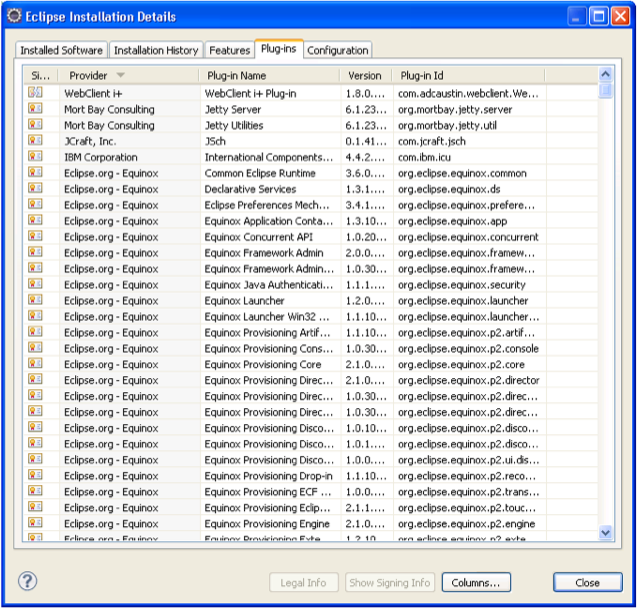
Builder from eclipse/plugin folder and copy the new one that folder. - To check whether the Plugin Builder is installed properly.
Help → About Eclipse → Click on Installation Details → Sort Plug-in Id column in ascending order
- Download WebClient-1.8.zip. Do not need to extract.
- Open your workspace with Eclipse.
- Close WebClient project in your workspace.
- Delete WebClient project from your workspace and directory.
- Import WebClient 1.8.0.
File → Import → select Existing Projects into Workspace → Select archive file and browse to the directory where you save your download. - Click Finish.